Japan eSIM Guide: Local vs Roaming eSIMs, Data Needs and iPhone / Android Setup
How to choose a Japan eSIM: local vs roaming eSIMs, physical SIMs, pocket Wi-Fi and home-carrier roaming compared, with data estimates and iPhone and Android setup.
Quick answer
There are four main ways to get online in Japan: eSIM, physical SIM, pocket Wi-Fi and roaming on a Taiwanese carrier. If your phone supports eSIM and is carrier-unlocked (most iPhones from the XS and XR onward), an eSIM is easiest: install it before you leave and switch to it on arrival. A "local" eSIM uses a Japanese carrier's network directly, while a "roaming" eSIM connects through an overseas carrier, so speed and stability vary by plan. When buying, look at the network covered, the data and days included, and any speed limits, not just the price.
Choosing a Japan eSIM is something many people leave to the last minute before departure, and it is easy to get wrong. This guide does not recommend any particular brand. Instead, it explains the difference between "local" and "roaming" eSIMs, how they compare with physical SIMs, pocket Wi-Fi and roaming on your home carrier, how much data a Japan trip typically needs, and how to set up on iPhone and Android, so you can read plan descriptions and decide which type suits you.
Ways to get online in Japan: a comparison table
In short: if your phone supports eSIM, an eSIM is usually the easiest; for a family sharing one connection, choose pocket Wi-Fi; and if you only want to receive messages and don't want to change settings, roaming on your home carrier may do. GO TOKYO lists free Wi-Fi, pocket Wi-Fi, physical SIM cards and eSIMs as the ways visitors get online[1].
| Method | Pros | Cons | Best for |
|---|---|---|---|
| eSIM | Buy online, no card swap, keep your home number | Phone must support eSIM and be unlocked | People with newer phones who want convenience |
| Physical SIM | Works without eSIM support, sold at convenience stores and electronics retailers[1] | Card swap required, tiny card is easy to lose | People whose phones don't support eSIM |
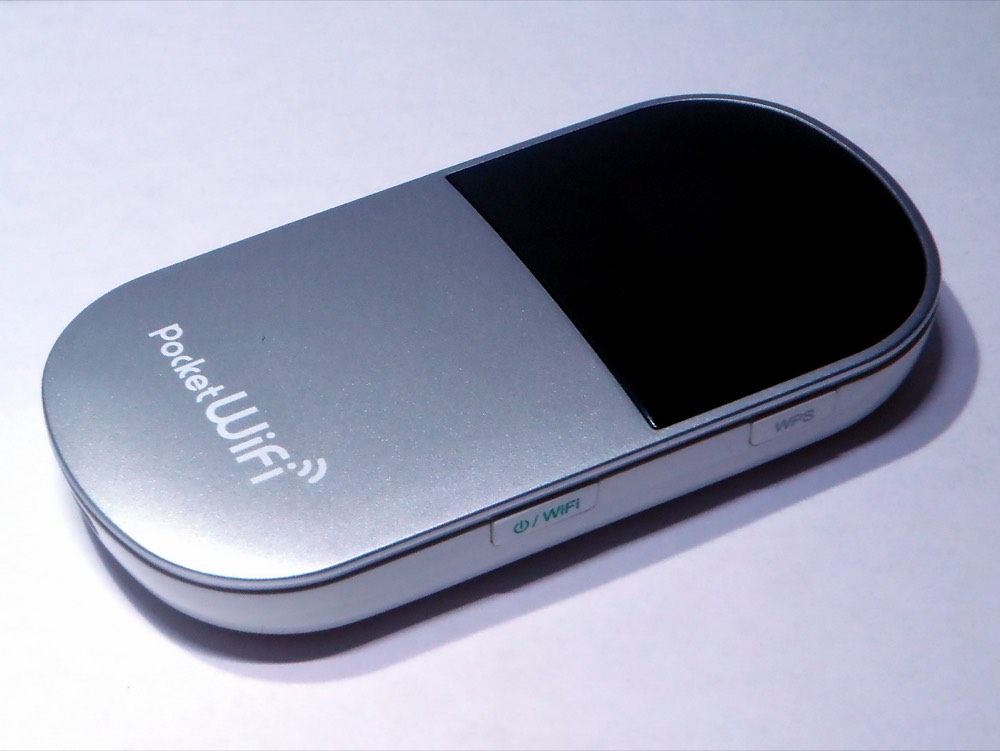
| Pocket Wi-Fi | Shared by several devices, rentable at the airport[1] | Needs charging, pickup and return, no internet if you split up | Families and groups |
| Home-carrier roaming | No settings to change, your number works as usual | Cost depends on your carrier's plan and is often higher than local plans | Short trips with light use |
| Free Wi-Fi | Costs nothing | Registration, time limits, unreliable quality[1] | A backup |
GO TOKYO says physical SIM cards cost roughly 2,000 to 8,000 yen and cautions that every plan comes with conditions, so compare them first[1]. eSIM prices vary even more, so this article does not list specific prices.
What is the difference between local and roaming eSIMs in Japan?
In short: a "local" eSIM connects directly to a Japanese carrier's network, while a "roaming" eSIM is issued by an overseas carrier and borrows a Japanese network by roaming. Both get you online; the differences are the connection path, speed and feature limits.
- Local (ローカル回線): the eSIM is backed by a Japanese carrier or a virtual operator (MVNO) based in Japan, and your phone is treated as a local Japanese subscriber. The connection path is shorter, and location detection in maps and ride-hailing apps tends to be more natural.
- Roaming: the eSIM is issued by a provider outside Japan and roams on a partner Japanese network, so your data may route back overseas before reaching the internet. The upside is that there are often multi-country plans with easy installation; the downside is that speed and latency depend on the roaming path, and your IP address may show another country.
These are labels commonly used by providers and bloggers, and plan pages don't always state them clearly. To judge, look at:
- The carrier network name: does the description say which Japanese network is used, and whether it can switch between several networks?
- 5G/4G labels and speed-limit rules: "unlimited" plans often have a daily high-speed cap, after which speeds are reduced.
- Hotspot sharing (tethering): some plans forbid or limit it.
- A Japanese phone number: most travel eSIMs are data only and can't make calls to Japanese landlines or receive Japanese SMS.
How much data does a Japan trip need?
In short: for light use (maps, LINE, looking things up), 1GB a day or less is usually enough; if you often send videos, stream, or share a hotspot with others, choose a plan with a higher daily allowance or unlimited data. The figures below are rough estimates for typical use, and actual usage depends on your phone settings and apps:
| Usage | Rough daily use | Suggested plan |
|---|---|---|
| Light: navigation, LINE text, checking transport | About 0.5-1GB | A total-data plan (for example a fixed number of GB for the whole trip) |
| Moderate: posting photos on social media, occasional short videos | About 1-2GB | A plan with 1-2GB a day or a larger total |
| Heavy: watching video, live streaming, hotspot use | 2GB or more | High daily data or unlimited (check the speed-limit rules) |
Tips for saving data:
- Download offline maps in Google Maps before you leave, and update apps on hotel Wi-Fi.
- Turn off automatic cloud photo backup, or set it to sync only on Wi-Fi.
- On iPhone, you can turn on Low Data Mode, and Apple also asks whether to enable it when you switch to a travel eSIM[3].
At immigration you must show a Visit Japan Web QR code on a phone or tablet[5], so you need internet the moment you land. This is one reason to install your eSIM before you leave.
How to set up a Japan eSIM on iPhone
In short: confirm your model supports eSIM and is unlocked, install it at home on Wi-Fi, then switch mobile data to the eSIM when you arrive in Japan.
Before you leave: check and install
- Check the model: Apple says the iPhone XS, XS Max, XR and later support eSIM (models sold in mainland China have other limits)[2].
- Check it isn't locked: go to Settings > General > About, where "Carrier Lock" should show "No SIM restrictions"[3].
- Install the eSIM: scan the QR code from your provider with the camera. From iOS 17.4 you can also press and hold a QR code in an email or browser and tap "Add eSIM"[2]. Some providers also offer a link or manual entry.
- Label the line: when installing, name the new line something like "Japan" so it is easy to identify.
After arriving in Japan: switch mobile data
- Go to Settings > Mobile Service > Mobile Data and choose the Japan eSIM as the data line[3].
- Turn on "Data Roaming" for the Japan eSIM as the provider instructs (roaming-type plans usually need it on).
- You can keep your Taiwanese main number on to receive SMS, but we recommend turning off data roaming on the main line to avoid roaming charges. Apple also warns that if both lines have it on, the main line can still incur roaming charges[3].
From iOS 26, if your phone already has a travel eSIM when you enter the country, you may get an "Activate Travel eSIM" notification, which you can tap to turn it on[3]. When you get back home, remember to switch mobile data back to your main number and turn off or delete the used eSIM.
Android: setting up a Japan eSIM
In short: the process is similar to iPhone, but menu names vary by brand. The usual path is "Settings > Network & internet (or Connections) > SIMs > Add eSIM," scan the QR code to install, then assign "Mobile data" to the Japan eSIM in SIM management.
Things to check on Android:
- Not every phone supports eSIM: the same model can differ between markets, so check the manufacturer's specifications or whether your phone settings show an eSIM option.
- Lock status: if you bought the phone on a carrier contract, confirm it has been unlocked.
- Frequency bands and VoLTE settings: most mainstream models sold in Taiwan work in Japan without trouble. If you can't connect, try restarting, selecting the carrier network manually, or checking that the APN settings match the provider's instructions.
Physical SIMs, pocket Wi-Fi and roaming: when do they make more sense?
In short: eSIM isn't the only answer. Depending on how many people are traveling, your phone model and your itinerary, these options can suit you better:
- Your phone doesn't support eSIM: choose a physical SIM. GO TOKYO says electronics retailers such as BIC CAMERA and Yodobashi Camera sell travel SIMs for unlocked phones, and staff can usually explain in English[1].
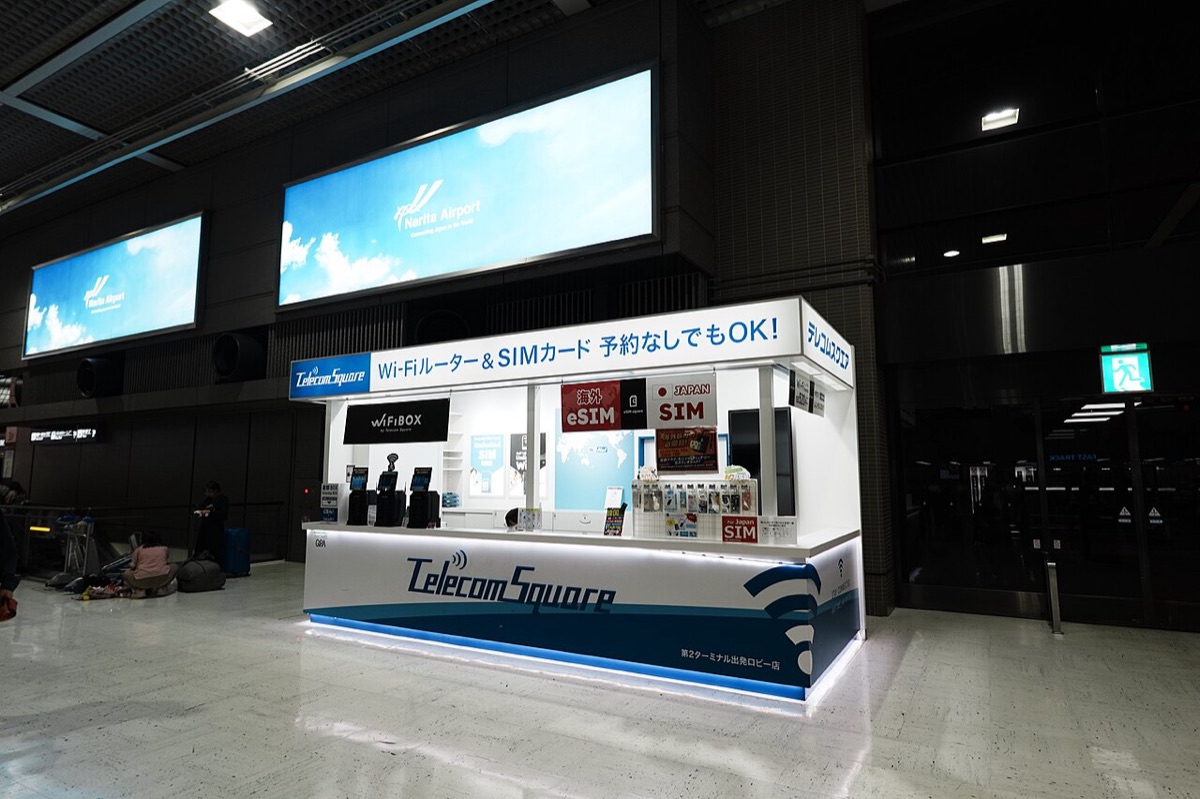
- Traveling with older relatives or children, or you need tablets and laptops online: one pocket Wi-Fi serves many devices. GO TOKYO notes that Haneda and Narita airports have rental counters, some can be reserved and shipped to your hotel, and booking in advance is often cheaper than renting on the spot[1].
- A short two- or three-day trip with no settings to change: day-pass or pay-as-you-go roaming from your home carrier is the most straightforward. For travelers from Taiwan, that means the Japan roaming plans of Taiwanese carriers; check their websites for fees and data.
- Free Wi-Fi as a backup: airports, stations and tourist facilities often have free Wi-Fi, and NTT Broadband Platform's "Japan Wi-Fi auto-connect" app can connect you to partner hotspots automatically[4].
Practical reminders for staying connected in Japan
In short: once your connection is set up, a few small things affect how smoothly the trip goes.
- Disaster alerts: download the "Safety tips" app from the Japan Tourism Agency system, which pushes earthquake early warnings, tsunami warnings and weather warnings, with Traditional Chinese support[6].
- SMS verification from your home number: online banking and credit card transactions may need an SMS code, so it's best to keep your main number switched on (for travelers from Taiwan, your Taiwanese number).
- Running low on data: most eSIMs let you top up online, but check whether you need internet to buy more, and ideally do it on hotel Wi-Fi.
- Mobile payments need a connection too: paying by phone or checking an IC card balance requires internet; for payment options, see our Japan payment guide.
The quickest way to decide
Reduce it to three steps: first confirm your phone supports eSIM and is unlocked; then pick a total-data or daily-data plan based on your days and usage; finally look at the local network, speed limits and hotspot rules stated in the plan. If your phone doesn't support eSIM, switch to a physical SIM, and if you're traveling as a family, consider pocket Wi-Fi. Once you're online, continue with our Visit Japan Web guide for immigration, and use the Japan trip checklist to check luggage, documents and apps in one go. More practical guides are in the trip preparation section.
FAQ
Can my phone use a Japan eSIM?
Two conditions must both be met: the phone supports eSIM, and it is not locked to a carrier. Apple says the iPhone XS, XS Max, XR and later support eSIM (except models sold in mainland China). On an iPhone, go to Settings > General > About and check that "Carrier Lock" shows "No SIM restrictions." For Android, it depends on the brand and model, so check your phone's specifications.
When should I install a Japan eSIM?
Install it before you leave, while you are on Wi-Fi at home. Many plans start counting their days from the moment you connect in Japan, so install it first but don't turn on mobile data yet. After you arrive in Japan, switch mobile data to the eSIM. Check each plan's description for the installation method and when activation happens.
Can I still receive SMS on my Taiwanese number if I use an eSIM?
Yes. An iPhone can keep your Taiwanese main number and the Japan eSIM at the same time, with only "Mobile Data" assigned to the eSIM. With the main line on, you can receive Taiwanese SMS verification codes, but if data roaming is on for the main line, roaming charges may apply. Turn off data roaming for the main line and check your carrier's charges for roaming SMS and calls.
Is there free Wi-Fi in Japan?
Yes, but don't rely on it alone. GO TOKYO says Narita and Haneda airports, many railway and bus operators, and major tourist facilities offer free Wi-Fi, and you can use the "Japan Wi-Fi auto-connect" app to connect automatically. Some networks require registration, have time limits, or have unreliable signal quality.
Is pocket Wi-Fi or eSIM better for a family trip?
If you travel together and stay together, one pocket Wi-Fi router can be shared by several phones, and it also works for older relatives whose devices don't support eSIM. The downsides are charging it, collecting and returning it, and having no internet once you split up. If everyone's phone supports eSIM, or you often go separate ways, individual eSIMs give you more freedom.
Sources
- GO TOKYO: Wi-Fi & Connectivity: Free Wi-Fi, pocket Wi-Fi rental, and where to buy physical SIMs and eSIMs
- Apple Support: Set up an eSIM on your iPhone: Supported models and installation methods
- Apple Support: Use an eSIM on your iPhone when traveling abroad: Travel eSIMs, switching mobile data, carrier lock
- NTT Broadband Platform: Japan Wi-Fi auto-connect: App that connects to free Wi-Fi automatically
- Digital Agency: Visit Japan Web (Traditional Chinese service page): A QR code must be shown on a phone or tablet at immigration
- JNTO: Safety tips app: Japan Tourism Agency's disaster alert app, with Traditional Chinese support
Fares, opening hours and event dates can change. Information checked on 2026.10.19; please confirm with official sources before you go.